
Toolbar Overview
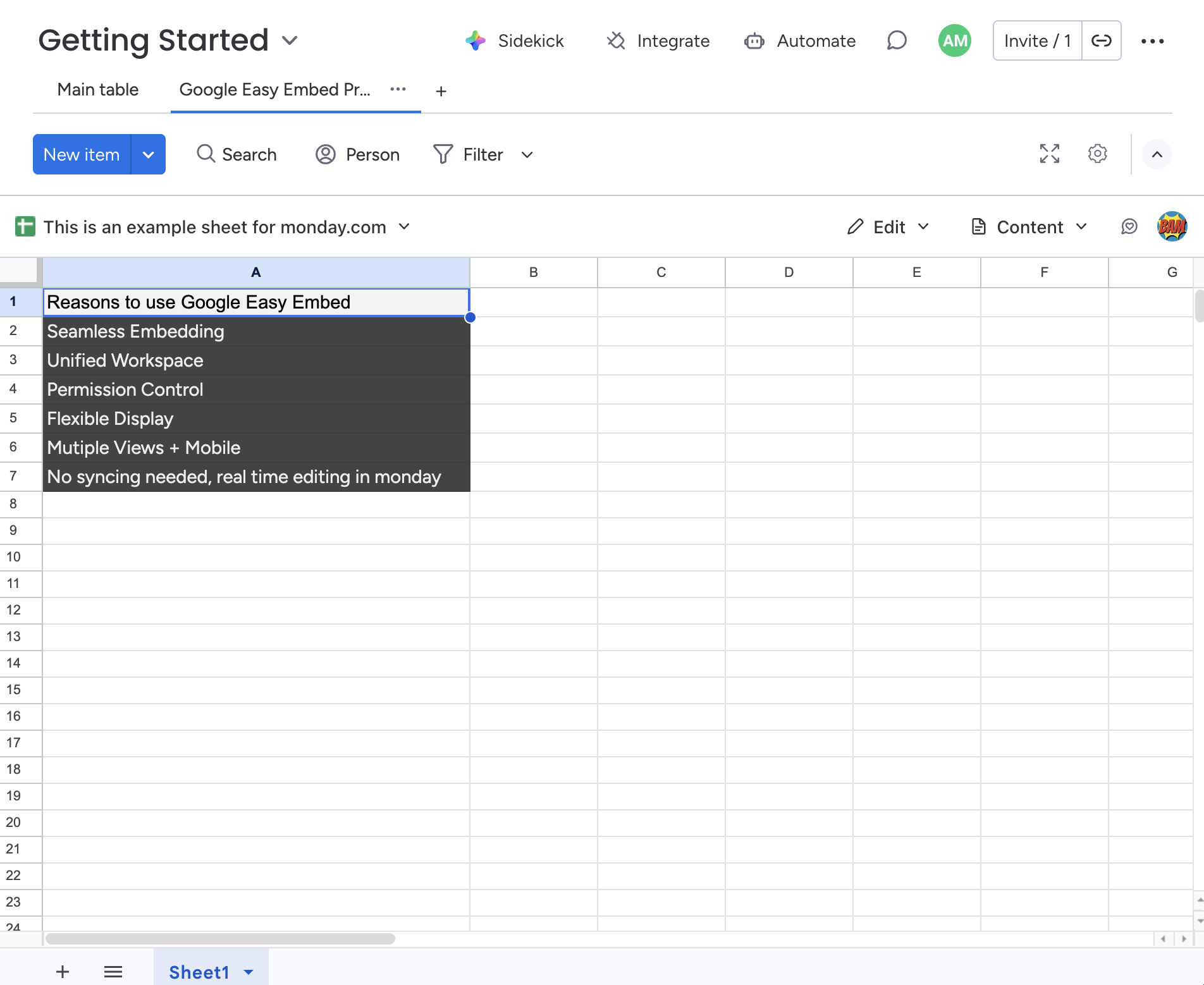
The toolbar appears at the top of the embedded view and gives you quick access to all settings. It is only visible to the owner — the person who first configured the embed.
- File Options
- Access Mode
- Display Mode
- Contact Support
- Google Account
-
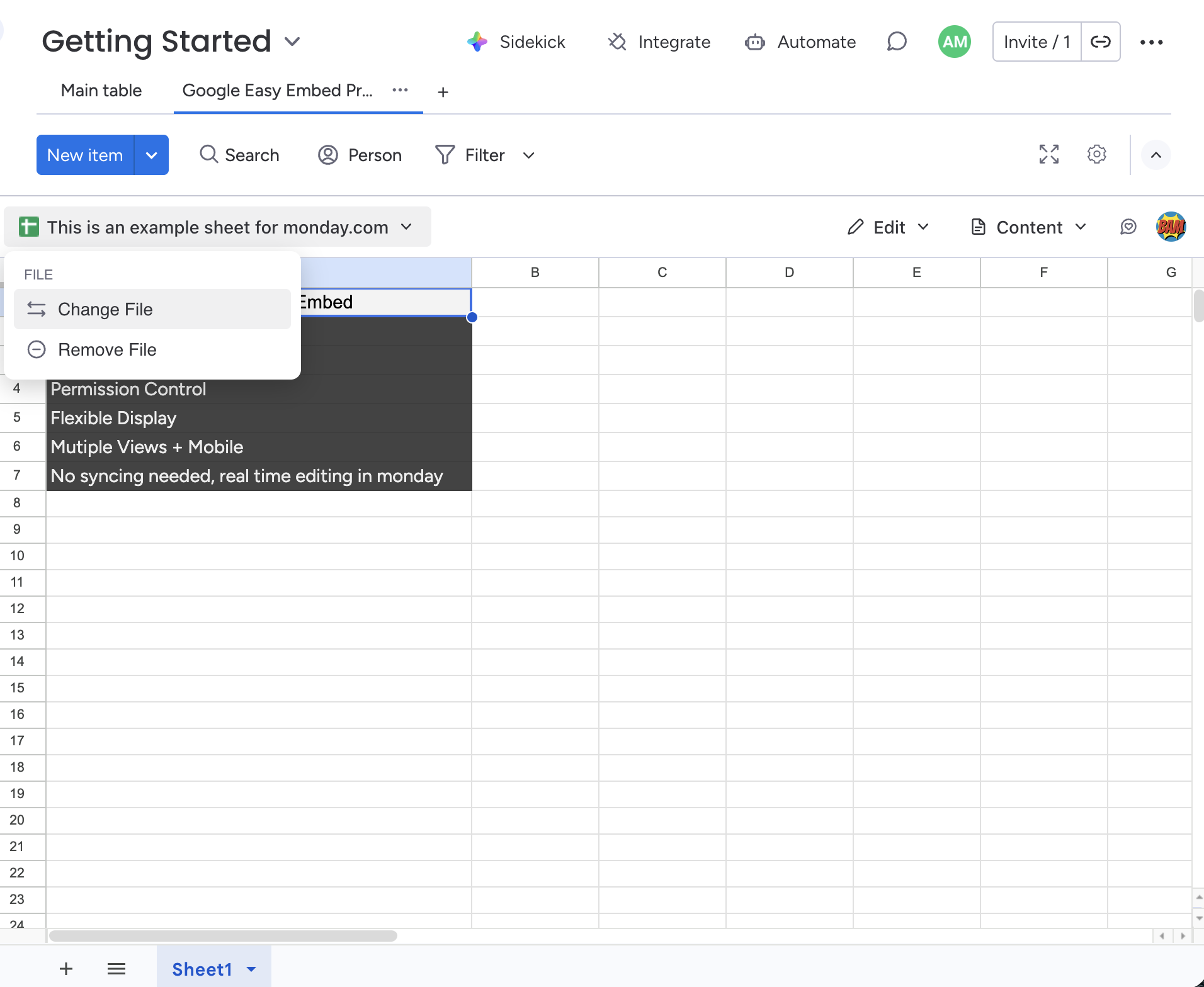
File Options
Change or remove the embedded file from the current view.
-
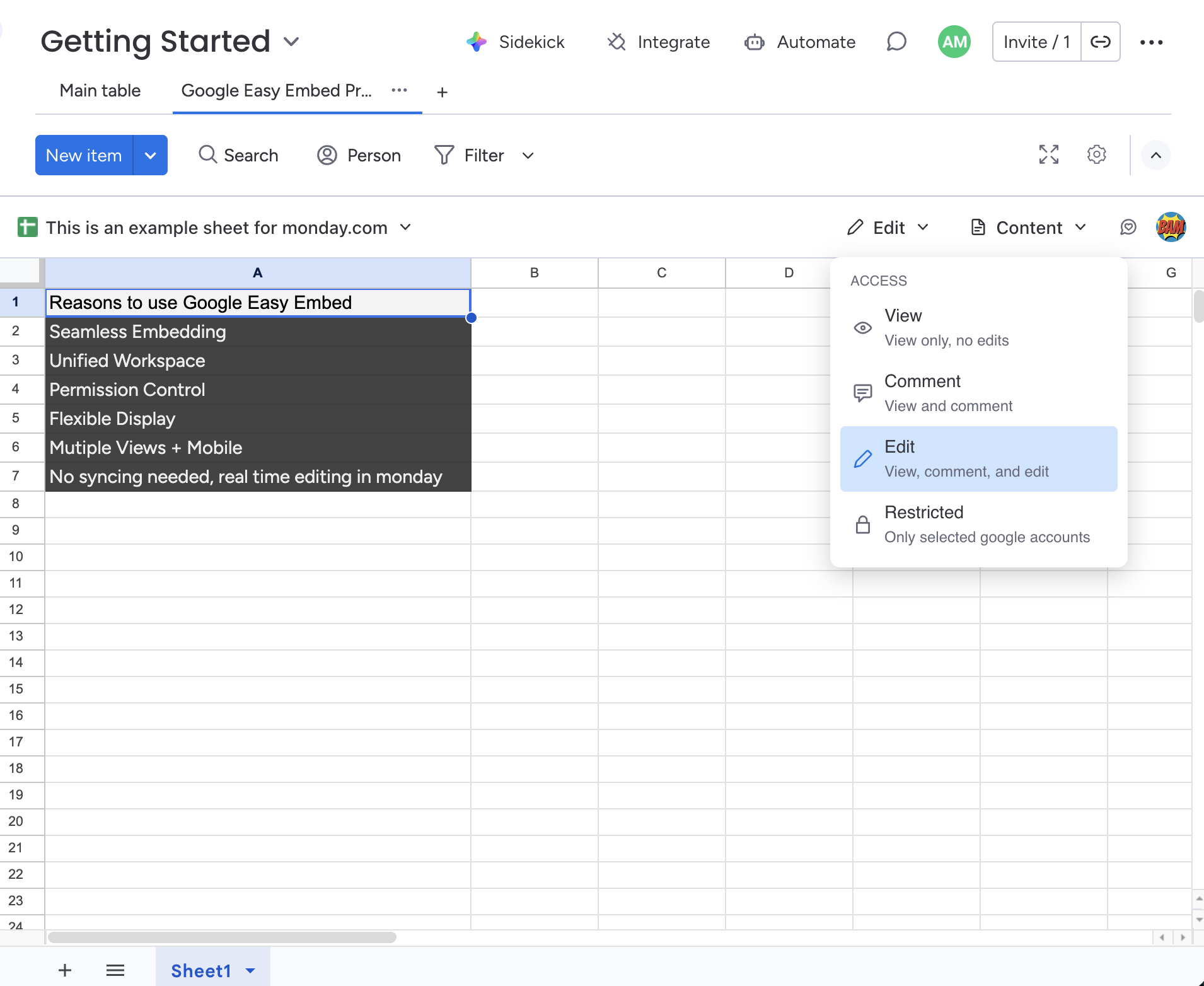
Access Mode
Control what your team members can do with the embedded file — view, comment, edit, or restrict access entirely.
-
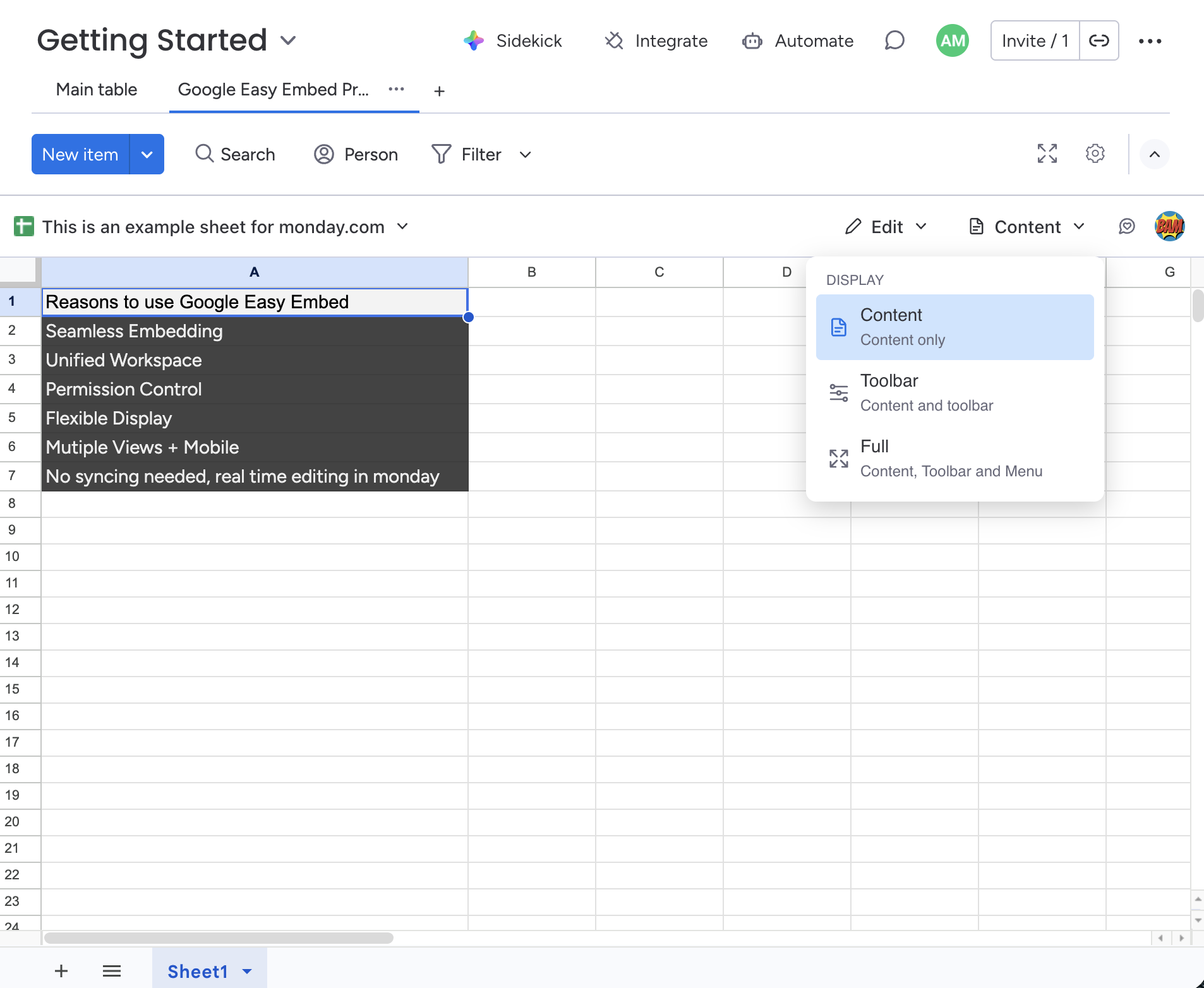
Display Mode
Control how much of the Google interface is shown in the embed — from a clean content-only view to the full Google UI.
-
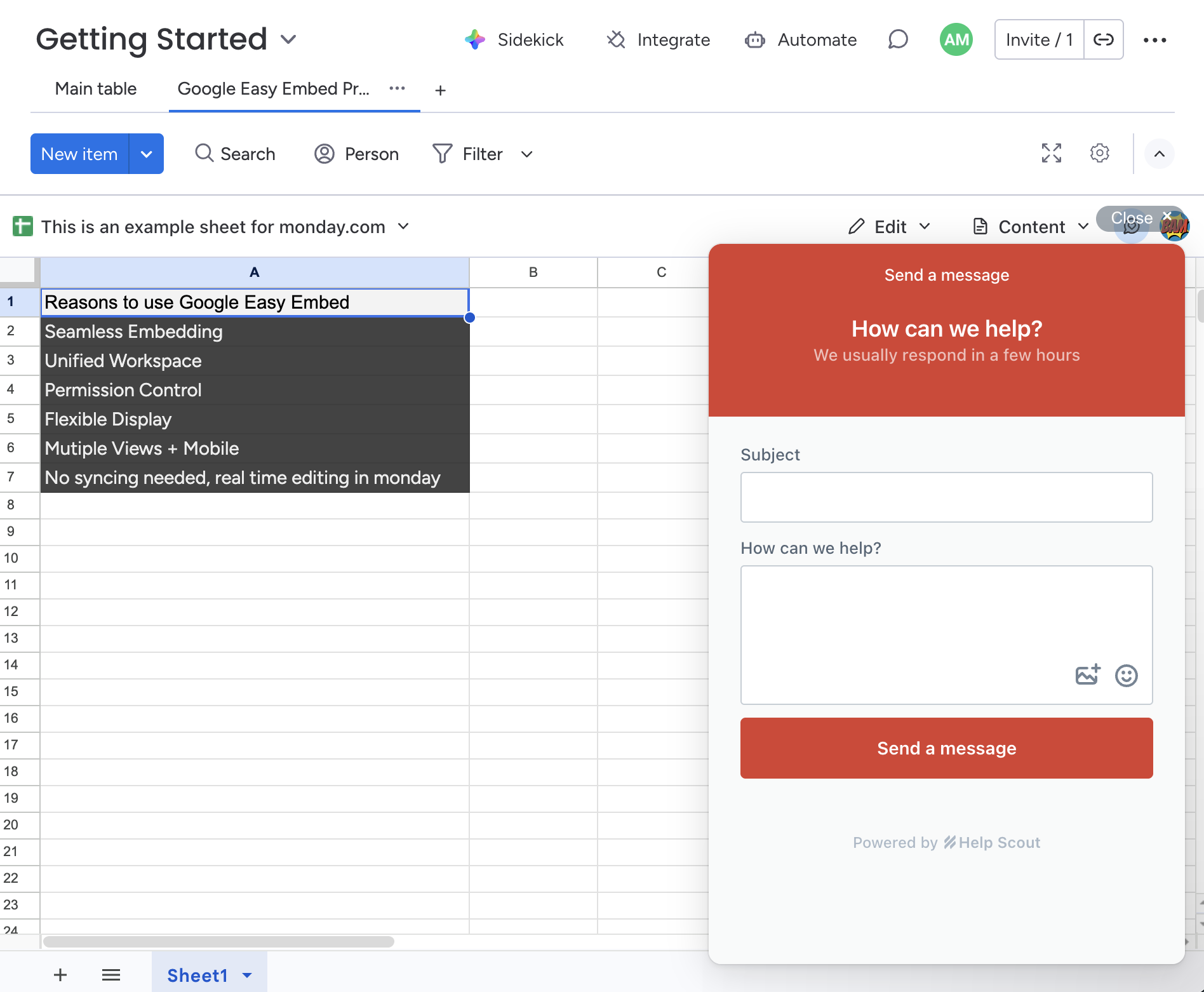
Contact Support
Click the feedback icon to open the support widget and get help with the app.
-
Google Account
View your connected Google account or disconnect. Click your profile avatar in the top-right corner of the toolbar to open the account menu.
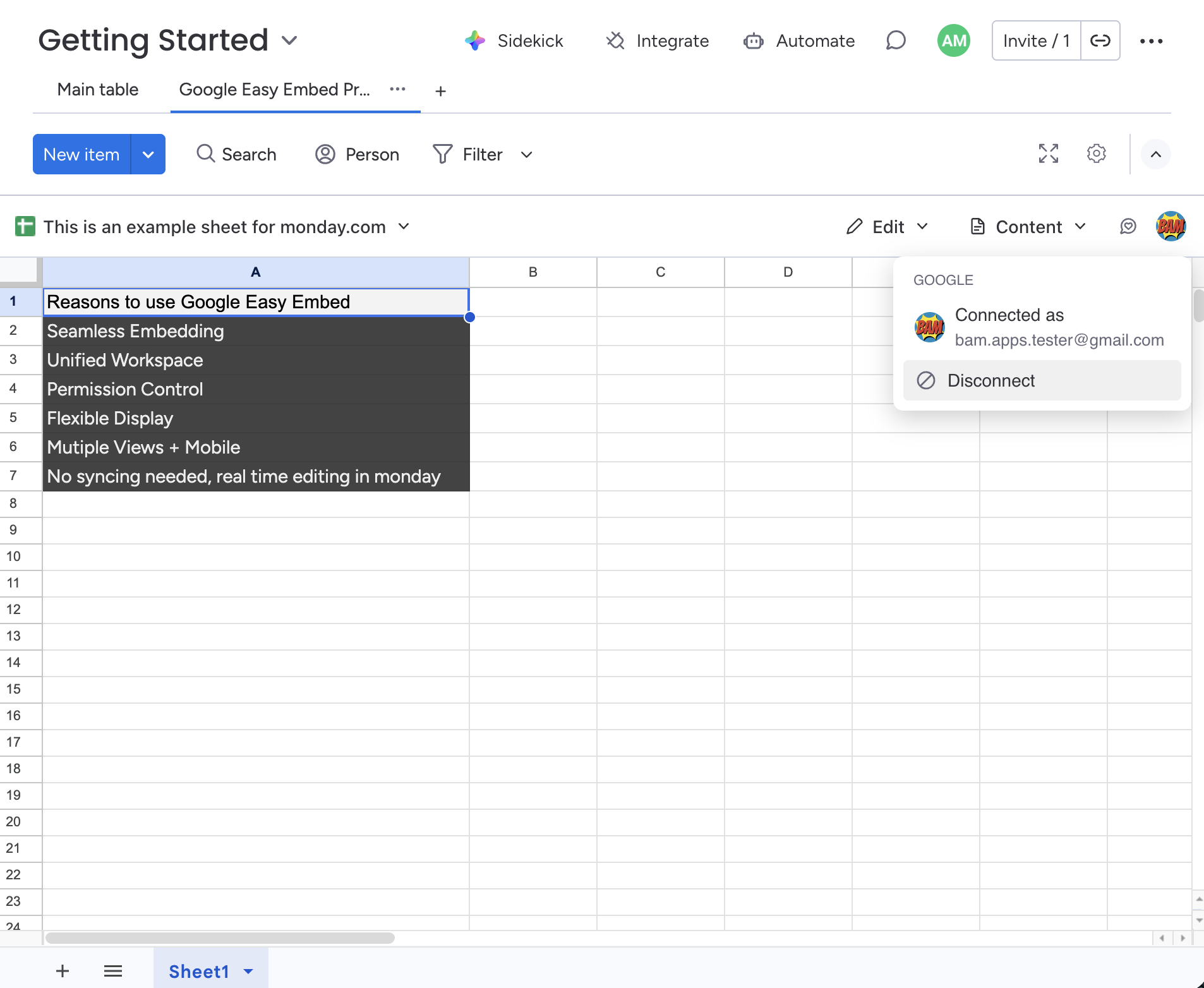
To disconnect, select Disconnect from the menu. You can reconnect at any time by clicking Connect to Google from the same menu.